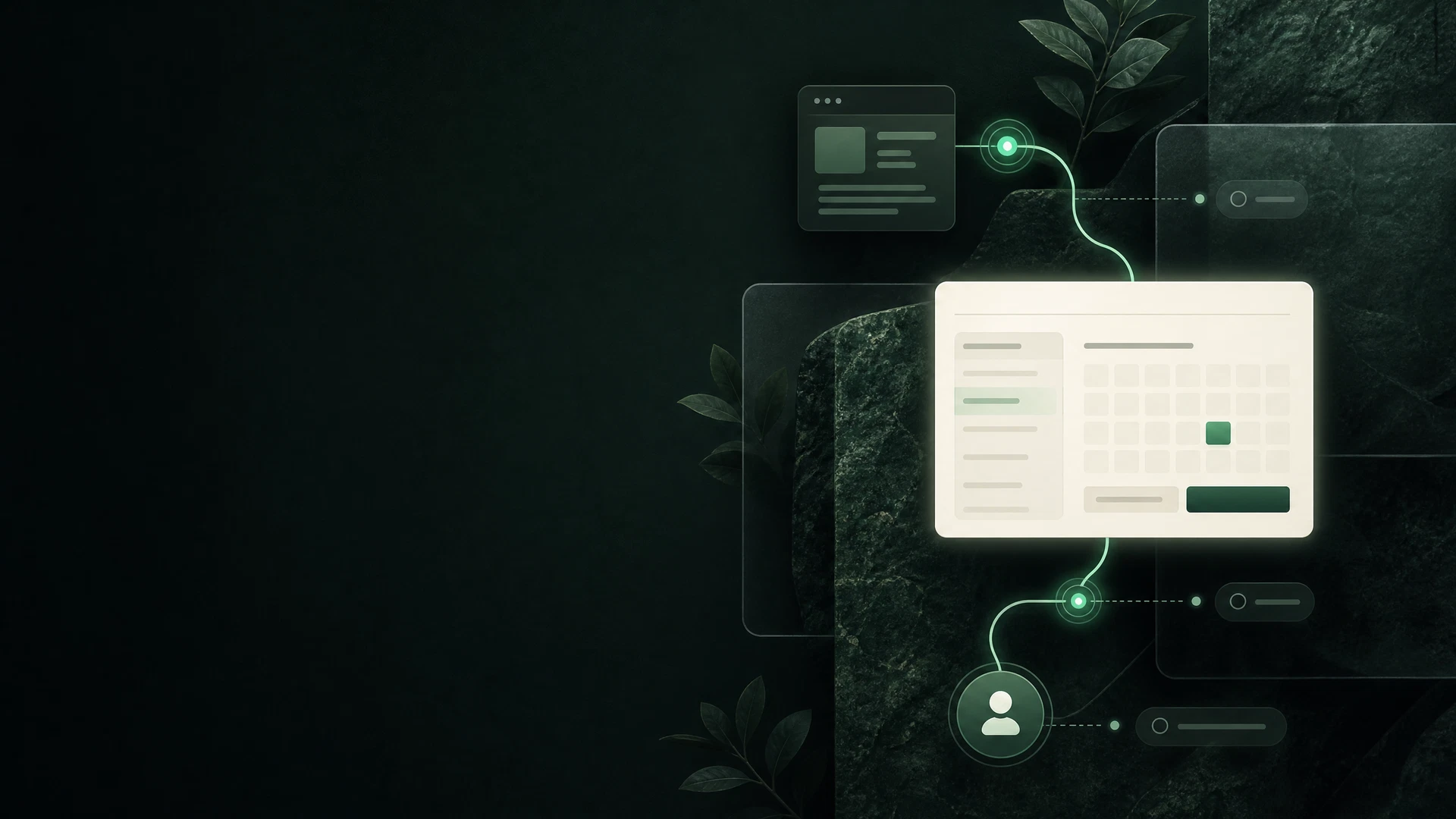
Turn active website intent into a clearer booking path.
Your website already shows where people are trying to make sense of a decision. Aria—Integ Connect's live response layer—recognises the moments that matter, offers a live chat, voice, or booking route right on the page, and carries the context into your team's workflow.
Built around the way your team already responds, books, and follows up.
Booking route active
Integ Connect
Returning visitor · Decision page
The next step can fit the moment.
The visitor is not sent to a generic form. They are offered a clearer route based on the page, question, or decision point already in progress.
Context found
Compared services · Reviewed availability · Returned to implementation details
Recommended next step
Continue in chat, ask for a call, choose a relevant booking path, or alert the right person
AnswerBookRouteHandoff
The website decision gap
A booking link is useful. A relevant route is better.
A visitor may be close to action but still need a clarifying answer, a better meeting type, or confidence that they are choosing the right next step. When every journey ends at the same generic form, valuable context disappears before the conversation begins.
Without a contextual website route
The visitor searches for an answer, finds a general contact path, and submits a form that gives the team little insight into the decision already in progress.
With Integ Connect
The website can offer a more relevant route while preserving the decision context that makes the follow-up useful to both visitor and team.
What powers this solution
Make the next step clearer without making the website louder.
Signal
Context
Response
Handoff
Evidence 01
Recognise decision context
Bring together the key pages, return visits, service interest, or questions that indicate a visitor may be ready for a more useful route.
Source: return visit + service comparison
Context: Visitor revisits a high-consideration route
Route: Explain the comparison before asking for a form
Team receipt: Owner: response lead · comparison context attached
Evidence 02
Offer a relevant conversation
Make chat, voice, callback, or booking options available according to the moment—not simply because a pop-up appeared.
Source: question while exploring
Context: A practical uncertainty is still open
Route: Offer chat, voice, or a callback at the useful moment
Team receipt: Owner: conversation specialist · question summary attached
Evidence 03
Route to the right booking
Present a clearer appointment path when the visitor is ready to plan, qualify, or speak with the appropriate person.
Source: availability and planning interest
Context: Visitor is ready to consider timing
Route: Present the focused planning calendar
Team receipt: Owner: booked adviser · service route + selected time attached
Evidence 04
Preserve the journey
When a team member joins the conversation, the context behind the booking or enquiry comes with it.
Source: selected route or booked meeting
Context: The response path is now defined
Route: Create a context-rich team handoff
Team receipt: Owner: named team member · stage + recommended next move attached
One connected website route
From active research to a useful human next step.
01
A decision signal appears
A visitor reaches a defined moment: returning to key information, asking a question, viewing availability, or opening a booking path.
02
The journey is understood
The response layer assembles the available context and applies the business rules you have chosen for that moment.
03
A relevant route is offered
The visitor can clarify a question, choose a booking path, request a call, or take another useful step without starting over.
04
The team receives the context
The outcome moves into your workflow with the useful journey detail that helps the next conversation begin well.
Workflow example
A returning visitor moves from comparison to the right meeting—not a generic form.
This example shows how a website decision moment can produce a clearer next step while retaining the context a team needs to make the follow-up worthwhile.
Scenario
A visitor returns to compare two service options, opens availability, and pauses before completing a general contact form.
00
Signal
The active journey is recognised
The response flow sees the return visit, the service comparison, and the move into the availability route.
01
Context
The right route is selected
The website can distinguish a visitor exploring options from one ready to schedule a focused planning conversation.
02
Booking
A useful next step is made available
The visitor can get a quick clarification, request a call, or select the booking type that fits the decision in progress.
04
Handoff
The booking arrives with the journey
The team receives the selected path and the context that explains why the visitor chose it, not only a name and time.
Working outcome: The visitor gets an easier route to a relevant conversation, and the team gains the decision context that makes the meeting more valuable from the start.
Illustrative booking desk
See the visitor route become a booking-ready team receipt.
Walk a fictional website-intent journey from an open decision to the relevant booking route. Aria keeps the context visible while the named team member retains control of the next conversation.
Illustrative workflow walkthrough. This demo does not display live client data or create a live message, call, booking, or CRM action.
Integ Booking Desk
Illustrative visitor route-to-booking desk
Exploring
Visitor route
Booking context
Relevant booking
Team receipt
Aria booking greeting · 00:18
A short, brand-approved welcome can help a visitor choose the relevant booking route.
Maya’s journey
Fictional visitor
Arrives on a service pageEarly exploration
Returns to compare optionsSecond visit
Reviews the implementation routeHigh-consideration page
Opens a practical questionContext is now useful
Aria’s read
Exploring
No response is suggested yet.
Illustrative grade22 / 100
Exploring: One early journey signal. Aria stays quiet.
Illustrative only · no live message, call, booking, or CRM action is made here.
Designed around the decision
The website can offer a different route for a different moment.
The goal is not to interrupt every visitor. It is to make the next step more useful when a journey shows real intent and the business is ready to respond.
Start with the response moment that matters most. Add routes when the team is ready.
01
Clarify in chat
Question still open
Help a visitor resolve a practical question before asking them to commit to a call or form.
Let the visitor choose a call route while carrying their question and journey context into the request.
Callback owner · contact preference + current question
04
Alert the right team member
High-value signal
Bring a person in when the route and rules suggest a more personal response will help the decision move forward.
Named sales owner · visitor context + recommended next move
Website booking lane
Live context
01
Visitor journey
Service comparison → availability
02
Intent detected
Returning decision path
03
Relevant route
Clarify, call, or focused booking
04
Booked context
Journey passed to the team
Booking context stays attached to the next conversation.
Designed around your website journey
A website response layer that respects the visitor’s pace.
Integ Digital Media maps the pages, decisions, questions, and booking routes that matter to your business. From there, the response layer is designed around the moments where a timely option can help—not around generic pop-ups or a louder funnel.
Typical configurations can connect website conversations, qualification questions, booking availability, CRM records, and human handoff workflows through the tools your team already uses.
When the website is part of the sales conversation
Give active visitors a better path than “contact us.”
01 / CONTEXT
Complex service offers
Help visitors choose a clear route when they need context before they are ready to speak with a person.
02 / CONTEXT
Appointment-led businesses
Make the journey from service research to an appropriate booking path more natural and less repetitive.
03 / CONTEXT
Sales-led teams
Give representatives the context to enter website-originated conversations with a more useful first understanding.
Helpful details
Answers before the working session.
Will this add pop-ups everywhere on our website?
No. The response moments are designed intentionally. The aim is to make a useful next step available where it adds clarity, not to interrupt every visit.
Can different services have different booking routes?
The journey can be designed around the service types, team members, calendars, and qualification steps that matter to your business.
What does the team see after a visitor books?
The handoff can carry the booking outcome together with the useful website context, questions, and route that led to the meeting.
Can a visitor ask for help before booking?
Yes. The right response route may be a clarifying conversation, a callback request, or another practical next step rather than a meeting immediately.
A clearer next move
Find the decision moments where a better website route matters.
In a short working session, we will map the pages and booking journeys that carry the most intent, then identify where Integ Connect can make the next step clearer for visitors and more useful for your team.